
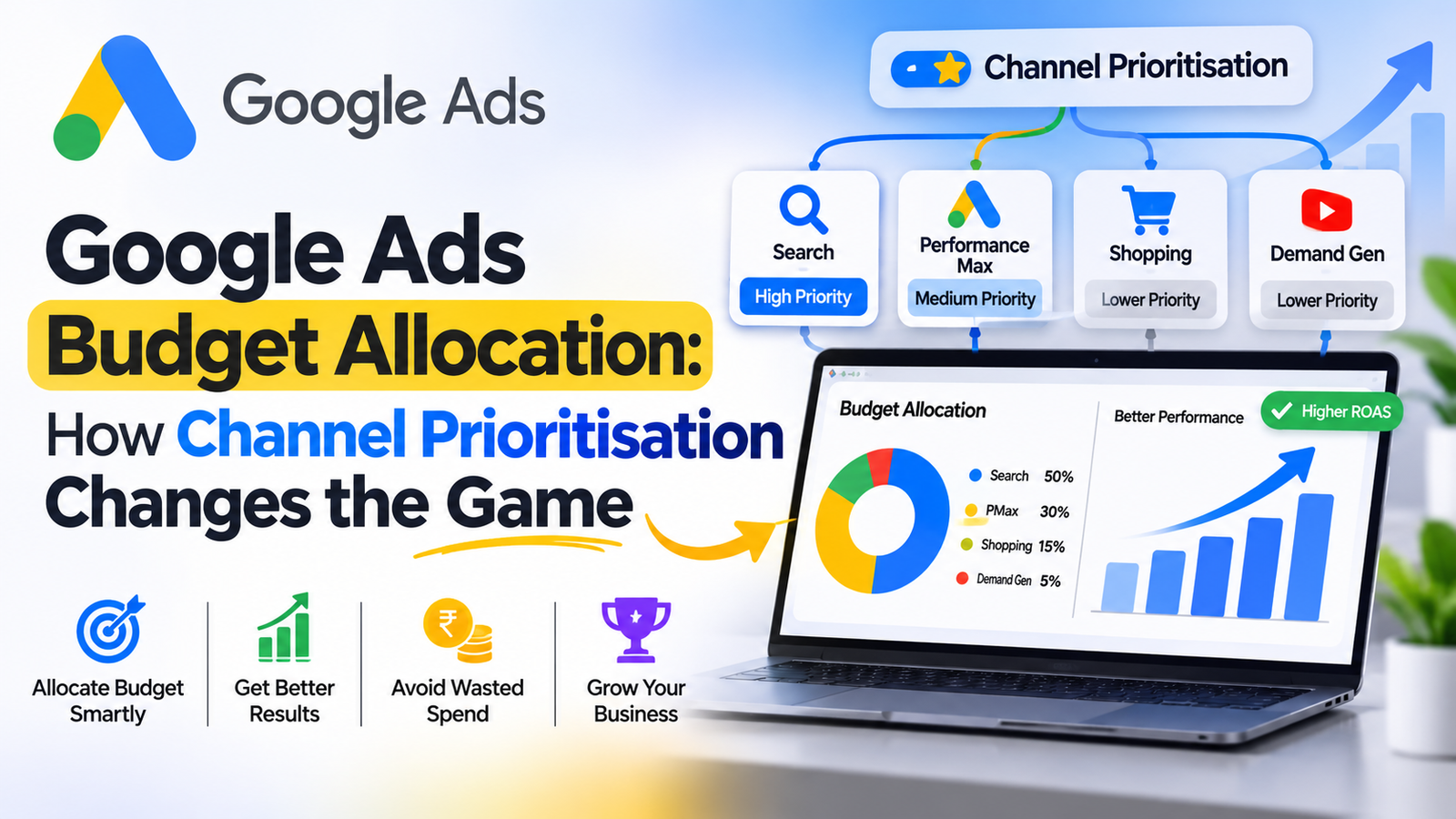
If you run Search and Performance Max Google campaigns, you already know the challenge. One campaign quietly takes most of the money while the other receives little. Managing Google Ads budget allocation has always needed a lot of effort. The new channel prioritisation and budget controls are designed to make it easier.
I run both Search and Performance Max campaigns for my clients, so I want to explain what this update means in practice. I will also describe how I managed things before these controls existed. One thing to note: I haven’t used the controls on an account yet. This post shares what I have seen and what I would test first.
What Is Google Ads Budget Allocation? Why Does It Matter?
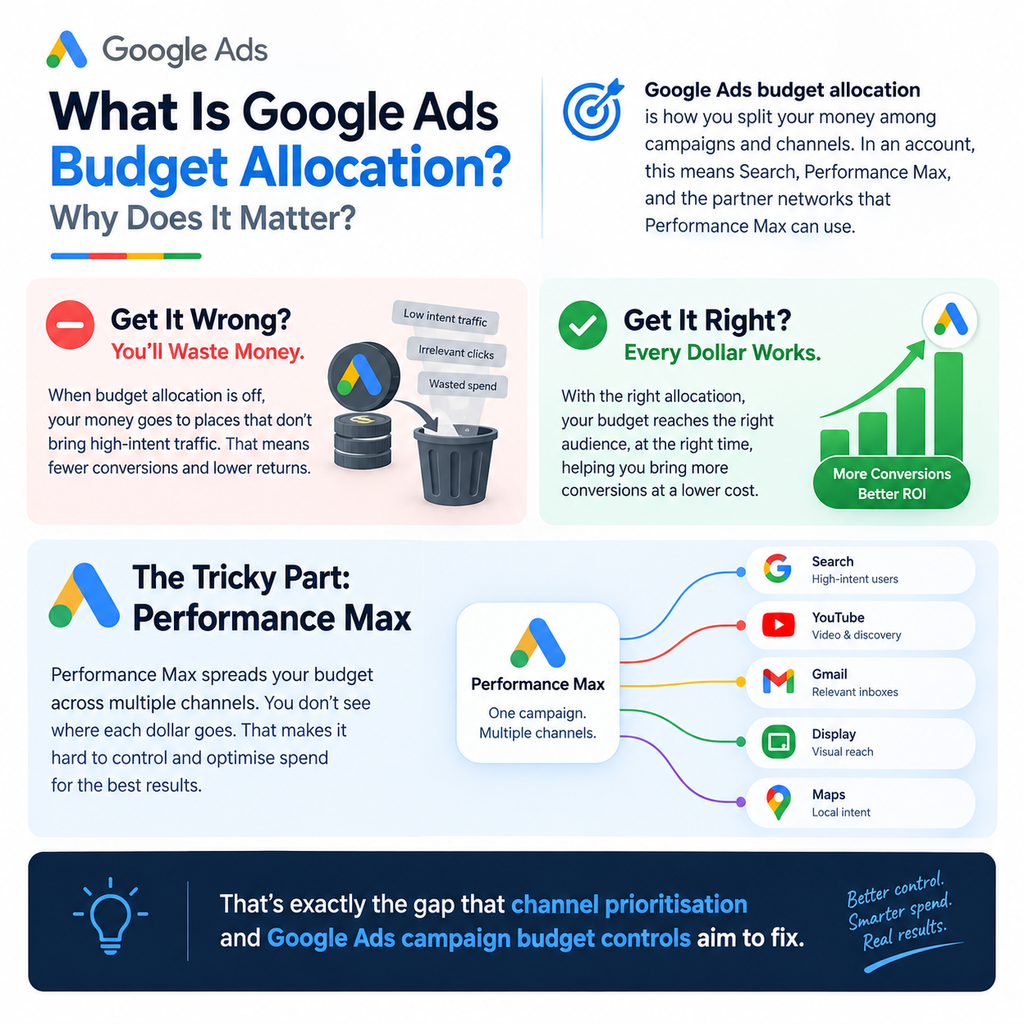
Google Ads budget allocation is how you split your money among campaigns and channels. In an account, this means Search, Performance Max, and the partner networks that Performance Max can use.
Getting Google Ads budget allocation wrong costs money. Money goes to places that do not bring high‑intent traffic. Getting Google Ads budget allocation right makes every dollar help bring a conversion.
The tricky part is Performance Max. Performance Max spreads money across channels. You do not see where each dollar goes. That is exactly the gap that channel prioritisation and Google Ads campaign budget controls aim to fix.
How Channel Prioritisation Affects Google Ads Budget Allocation
Google Ads channel prioritisation gives advertisers control over how money spreads. By not leaving everything to the algorithm, you can direct budget toward the channels that matter most to your goals.
In terms of the new controls, they aim to do three things:
• Give you control over how Google Ads budget allocations split between channels
• Show you clearly where your money goes
• Cut the need for budget changes
How I Managed Google Ads Budget Allocation Before These Controls
Until now, I managed Search and Performance Max with campaign budgets. I changed those budgets based on CPA, conversion rate, and ROAS.
That came with three problems:
• Control. I could not easily direct how Performance Max spread its spend across channels.
• Low transparency. It was hard to explain allocation decisions to clients.
• Constant checking. I had to check accounts to make sure Search still had budget for high‑intent traffic.
That last point is important. High‑intent Search keywords are usually your converters. If those keywords run out of budget, you lose the wins.
Example: Improving Google Ads Budget Allocation for an E-commerce Client
Recently, I dealt with a situation. An e‑commerce client had Performance Max taking a share of the budget. Meanwhile, Search struggled to get spend for high‑intent keywords.
• Reviewed performance by campaign, including conversion rate, CPA, and ROAS.
• Adjusted campaign budgets and bidding strategy to protect Search traffic.
• Kept monitoring so Performance Max still delivered value without hurting Search conversions.
| Metric | Before | After |
| Budget split (Performance Max / Search) | 70 / 30 | 50 / 50 |
| ROAS | 3.0x | 3.8x |
| Search conversions | Limited by budget | Increased |
This is one client, and results will vary by industry, margins, and data quality. Still, it shows why Google Ads budget allocation deserves attention. It also shows why any tool that makes this easier is worth testing.
My Step-by-Step Process for Google Ads Budget Allocation
This is the framework I use whether or not the new controls are available.
- Start with goals and tracking. Confirm your campaign goals, conversion tracking, and historical performance first. Poor tracking leads to bad decisions.
- Review each channel. Look at CPA, ROAS, conversion rate, and conversion volume for every channel.
- Compare performance, max. Ask where extra budget could drive conversions, not just shift existing ones.
- Check impression share. Look at Search impression share and impression loss caused by budget. This tells you whether Search is being held back.
- Test. Adjust budgets. Run controlled tests. Monitor results before making changes.
Common Google Ads Budget Allocation Mistakes to Avoid
Wasted spend happens because of mistakes that repeat over time:
• Allocating based on assumptions. Budget should follow performance data, not guesswork.
• Relying on ROAS. ROAS alone hides profit and conversion quality. A high ROAS that comes from margin or poor leads can still lose money.
• Changing things often. Constant tweaks reset learning. Muddy the data.
• Overlooking conversion tracking. If tracking is off, every optimisation is built on sand.
• If you ignore Search impression share, you may lose high‑intent traffic without any warning.
• If you do not keep an eye on Performance Max spend, problems can arise. Even when automation is on, you still need to supervise.
My view is simple. Set goals. Evaluate each channel by the value it brings. Test budget changes carefully. Optimise for click results.
Will Channel Prioritisation Improve ROI in Google Ads Budget Allocation?
I cannot promise returns. Be careful of anyone who says otherwise. What I can say is where I expect value and how I would check it.
• ROI improvement. Does the same budget still bring conversions?
• Wasted spend. Does money go to low‑value placements across Search, Performance Max, and partner networks?
• Time saved. Do I spend hours checking budgets?
When testing, I would use an account that has tracking and enough conversion volume. I would keep a clear before‑and‑after record. That way, any change in Google Ads budget allocation can be traced to the control of other factors.
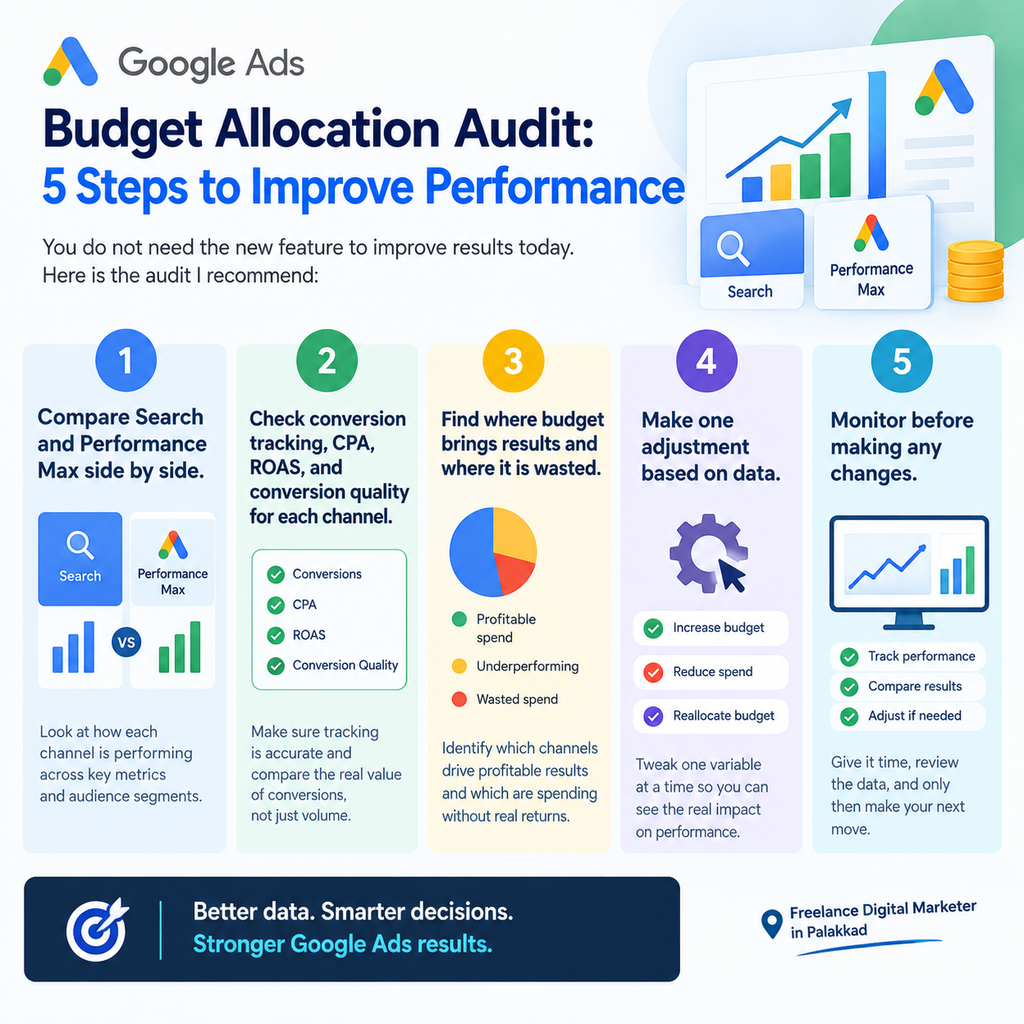
Google Ads Budget Allocation Audit: 5 Steps to Improve Performance
You do not need the new feature to improve results today. Here is the audit I recommend:
- Compare Search and Performance Max side by side.
- Check conversion tracking, CPA, ROAS, and conversion quality for each channel.
- Find where budget brings results and where it is wasted.
- Make one adjustment based on data.
- Monitor before making any changes.
Optimise for conversions, not traffic. This single habit protects you whether you use budgets or new tools.
Frequently Asked Questions About Google Ads Budget Allocation
What is Google Ads budget allocation?
It is the method of dividing advertising spend across campaigns and channels such as Search and Performance Max. Good allocation directs money to the places that produce conversions.
What does channel prioritisation do in Google Ads?
It gives advertisers influence over how the budget is distributed between channels. The goal is control and clearer insight into where spend goes.
How Should I Split My Google Ads Budget Between Search and Performance Max?
There is no ratio. Begin with CPA, ROAS, conversion rate, and Search impression share. Then test changes gradually. For one e‑commerce client, I moved from a 70/30 split to a 50/50 split. Your numbers may differ.
Can Performance Max Affect Google Ads Budget Allocation for Search Campaigns?
Yes, it can happen, especially when Search is limited by budget. Watch for impression loss caused by budget limits on your Search campaigns to detect it.
Google Ads budget allocation is where many accounts win or lose. Channel prioritisation and the new campaign budget controls could make it easier to protect high‑intent Search traffic while still using Performance Max effectively.
Until you test them yourself, stick to the basics: tracking, channel reviews, one change at a time, and a focus on conversions. Run the audit this week. You will be ready to judge the controls based on data.
Conclution
I have seen that Google Ads budget allocation is where many accounts win or lose. Channel prioritisation and the new campaign budget controls could make it easier to protect high-intent Search traffic while still using Performance Max effectively.
As a freelance digital marketer in Palakkad, I believe that until you test these features yourself, it is important to stick to the basics: accurate tracking, side-by-side channel reviews, making one change at a time, and focusing on profitable conversions.
Run your Google Ads audit this week and use real performance data to make smarter budget allocation decisions.